
The moment a limit runs out
You open an app to do one thing. The timer expires before you finish. Should the phone close it, let you add a few minutes, or ask you to wait? The answer changes when the app is a social feed, a browser for work, or a payment in progress.
In an online survey of 1,230 Canadian adults in January 2026, 37% said they were trying to reduce their screen time, and one in ten said they used digital tools that track or restrict it. That survey asked about screens in general, not only phones. It records what respondents said, not whether a particular limit worked.
The choice is visible in the tools already on phones. Android's Digital Wellbeing closes an app when its daily timer runs out; using it again before midnight means deleting or changing the timer. Android Focus mode can pause chosen apps and offers a timed break. Apple's iOS 26 Screen Time guide says limits can be ignored by default and lets people keep chosen apps available. These settings offer different kinds of access, but none settles the question of which boundary fits a particular day.

When a hard stop helps
For some people, a limit is useful precisely because there is no quick way around it. A Hacker News commenter set a zero-minute timer on one app and was surprised by how often they reached it through habitual clicking. A Reddit user on r/nosurf described blocking distracting apps by default and choosing a time to unblock them. They acknowledged repeated unblocking, yet found the extra step useful.
"Yes, you can (and will) keep unblocking over and over again. However, even that little friction of having to open a separate app to stop blocking is helpful over the long run."
A small four-week field experiment with 36 participants compared lockouts at self-set daily limits with less restrictive warnings. Its published abstract reports that restrictive mechanisms reduced use more than warnings. It also reports more frustration and pressure, which the authors connect to different needs in different contexts. We only have the abstract, so this is a small, qualified result - not a rule that everyone should block everything.
When an app blocker catches a real task
The same firmness can interrupt something the person meant to do. One r/nosurf commenter put it plainly: "As long as I need to use an app for certain purposes, setting screen time does not work for me." Another said that if they block one app, they try a browser, but limiting the browser causes trouble when they actually need it. These are individual accounts, not a count of how often blocks fail.
Karandeep Singh, writing for Android Police in 2021, raised the case of a timer ending during a payment or while someone is typing text they cannot afford to lose. A Samsung US Community member later asked for extra time on one day without changing the original daily limit for future days. Both examples point to a specific problem: the person needs an exception for the current task, while still wanting the original boundary tomorrow. The software and posts are from earlier years, so they do not establish how every current phone behaves.
An r/nosurf commenter described repeatedly turning off or bypassing a blocker, then added that blocks became a problem for certain work tasks. A different commenter said short blocking screens became a routine they mentally ignored. Their experiences pull in opposite directions: a boundary can be too hard to live with or too easy to pass without thought.
A few minutes, with an edge
Some people make access temporary on purpose. One r/nosurf user said they sometimes allow themselves one or two 15-minute extensions, never more. A commenter on r/digitalminimalism said their husband holds the Screen Time password; they give themselves five minutes on one app each day and sometimes ask for 15 more. A Hacker News commenter described asking a spouse to unlock chosen apps for about 15 minutes when needed. These are personal arrangements, not tested recipes, and they depend on another person's availability.
"I give myself 5 mins of Instagram every day, which is enough time to check in on any updates/messages from my friends."
A short exception can solve the current task while leaving tomorrow's limit intact.Editorial framing
What matters in these stories is that the extra time has an end. An open-ended override may feel like no limit at all. An r/nosurf user said they could ignore an iPhone limit with one tap; Apple documented that default behavior in its iOS 26 guide. Another user asked for an Android tool that would add one, five, or 15 minutes when a limit ended. The request shows the appeal of a small allowance; it does not show that any particular allowance will work for everyone.


What the research can and cannot settle
A larger test gives one reason to take firmer limits seriously. In a randomized experiment with about 2,000 US adults using Android phones, researchers tested daily limits on six apps and sites. A limit could not usually be overridden immediately, although participants could snooze it after a delay. Compared with the control group, the limit group spent 22 fewer minutes a day on those six services over 12 weeks - a 16% reduction. About 4% of the limit group opted out of limits entirely. The result supports this particular tool and group of volunteers; it does not tell us whether a two-, three-, or five-minute opening during a challenge has the same effect.
The longer view is less tidy. In observational logs from 1,039 users of a pause-before-opening app, researchers saw people take breaks from the intervention and rebound after returning. There was no control group, and a co-author founded the app. A separate observational analysis of more than 8,000 users of a desktop browser tool found that people tended to shift from harder to easier settings over time. That study was about computer browsing, not phone blocks. Both studies describe patterns among people who chose to use those tools; neither proves what caused an individual's settings to change.
Taken together, the evidence leaves a practical question for you: which apps need to stay available, which can stay covered, and how much access is enough to finish a genuine task? A firm boundary and a short, bounded opening can both be useful. The right balance is the one you can actually keep while doing what you meant to do.
About FIVE
FIVE is an Android app blocker that covers distracting apps for a time you choose, while the apps you need stay one tap away. Start a commitment now or schedule one for later. FIVE is on Google Play. The studies and posts above are independent of FIVE.
Limited apps lets you open chosen apps for 2, 3, or 5 minutes during a challenge. When those minutes are used, FIVE covers that app until its one-hour cooldown ends or the challenge ends, whichever comes first.
Sources
All sources below were read on 4 November 2026 IST. Reddit items were read via the Arctic Shift archive copy; links point to the original Reddit posts or comments.
- Narrative Research, Canadian screen time survey (R37).
- Google Android Help, Digital Wellbeing (R01).
- Apple Support, iOS 26 Screen Time limits (R02).
- Hacker News, zero-minute timer comment (R18).
- Reddit r/nosurf, blocking by default comment (R25; archive-read).
- Kim et al., GoalKeeper abstract (R09; abstract only).
- Reddit r/nosurf, needed apps comment (R26; archive-read).
- Reddit r/nosurf, browser need comment (R24; archive-read).
- Android Police, timer ending mid-task (R12).
- Samsung US Community, temporary time request (R13).
- Reddit r/nosurf, bypassing a blocker comment (R30; archive-read).
- Reddit r/nosurf, short blocks post (R22; archive-read).
- Reddit r/nosurf, limited extensions post (R31; archive-read).
- Reddit r/digitalminimalism, five-minute limit comment (R34; archive-read).
- Hacker News, spouse-held passcode comment (R17).
- Reddit r/nosurf, one-tap ignore post (R27; archive-read).
- Reddit r/digitalminimalism, short extension request (R36; archive-read).
- Allcott, Gentzkow and Song, Digital Addiction (R04).
- Haliburton et al., design frictions over time (R06).
- Kovacs, Wu and Bernstein, intervention settings over time (R07).
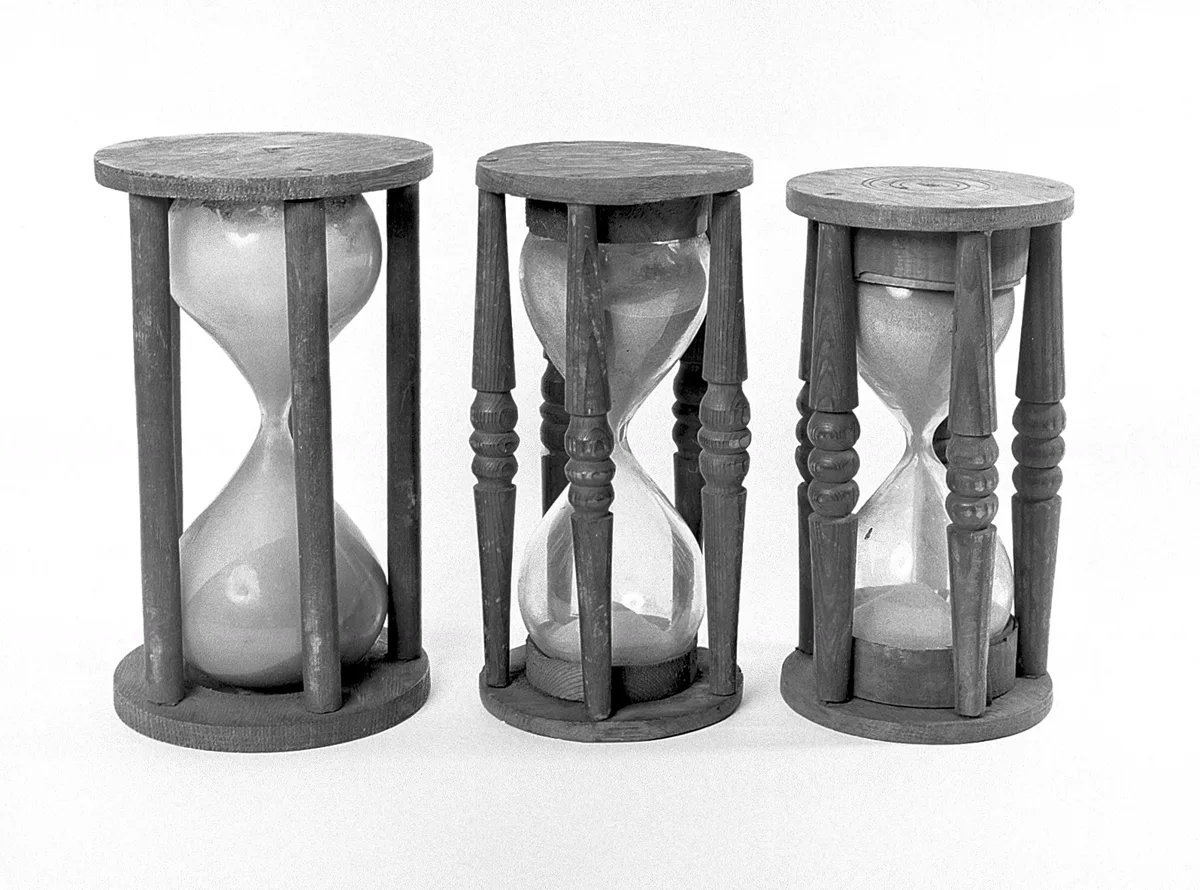
- Wellcome Collection hourglasses, Wikimedia Commons (I02; CC BY 4.0).
- Multiple hourglasses by Sauvagette, Wikimedia Commons (I01; CC BY-SA 4.0).
Keep reading
- How to stop doomscrolling: what people who cut back changed People who cut back on doomscrolling changed things at three moments: the app that starts it, the phone in bed at night, and the first minutes after the alarm.
- What to do instead of scrolling: ideas for real-life breaksIdeas for spare minutes, an evening at home, reading more or company, drawn from studies and real posts.
- Reducing screen time: small phone changes people actually stick withWhat people said stuck: a drawer, another room, or a friend who holds the passcode.
- People who chose to use their phone lessWhat Christopher Nolan and P. V. Sindhu said about keeping their phones at a distance.
- Screen time vs screen on time: what your phone counts Your phone shows more than one screen time number, and they often do not match. Here is what Digital Wellbeing and the battery screen each count, where the sources disagree or say nothing, and how to use the numbers if you want to use your phone less.